

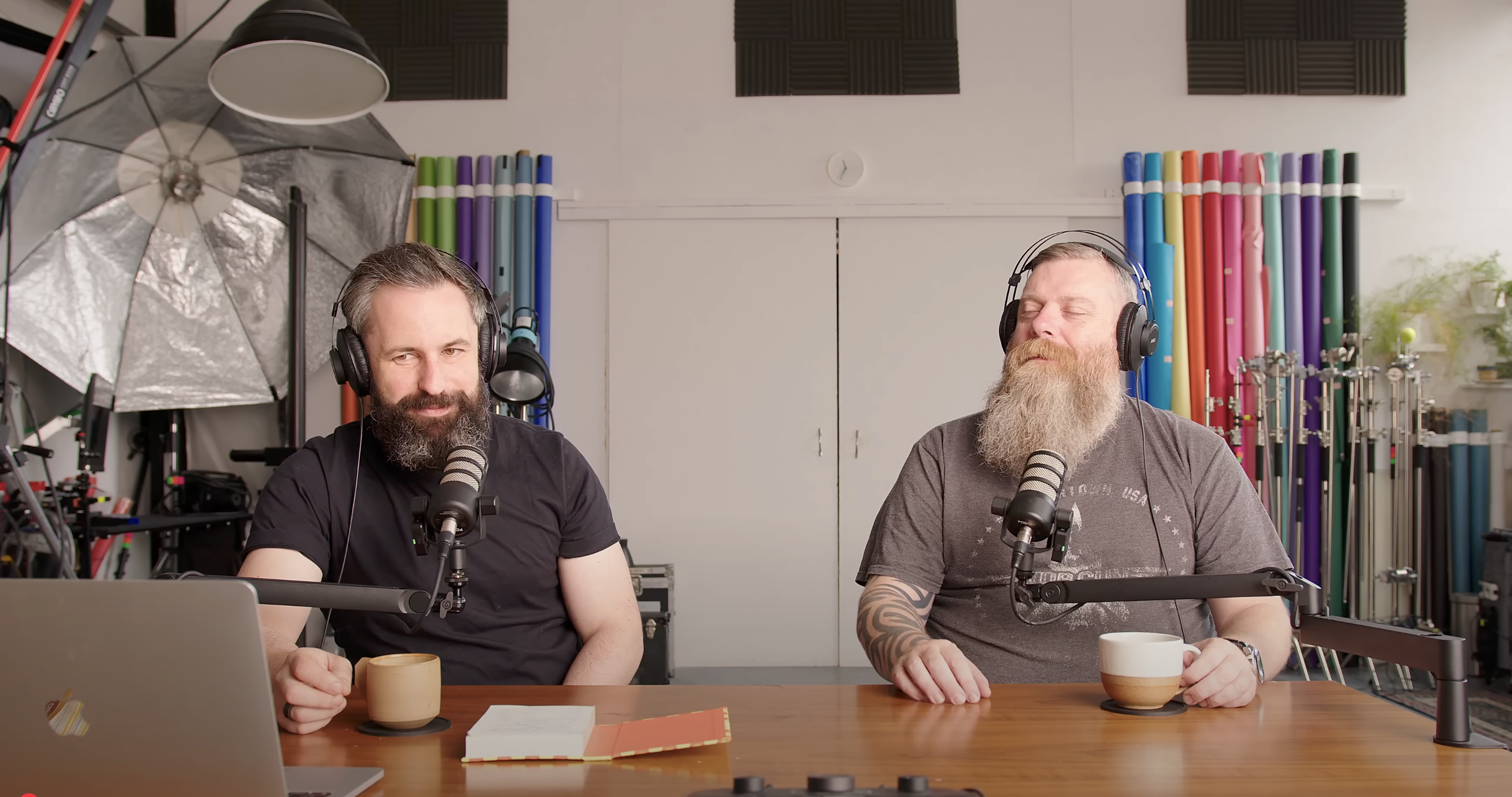
Link: https://www.youtube.com/watch?v=-R42TVCPWuU&t=139s
Whether you’re just starting out or running a high-end studio, having the right gear for product photography can make or break your workflow. In a recent podcast, industry professionals broke down three setups tailored to different budgets: beginner (£500), mid-range (£4,000), and high-end (£40,000). Here’s a detailed guide to the recommended gear, why it matters, and how to prioritize upgrades for stunning product shots, no matter your budget.
High-End Setup (£40,000): For Premium Campaigns
Designed for global campaigns and large-scale e-commerce shoots, this setup prioritizes precision, resolution, and workflow efficiency.
Camera and Accessories
- Phase One IQ3150 Digital Back with Cambo MV View Camera
The Phase One IQ3150 boasts a 150-megapixel, near-645 format sensor with 16-bit colour depth and unmatched dynamic range. Paired with the Cambo MV, a view camera with front and rear movements, it offers tilt-shift capabilities for precise control over perspective and focus. This is ideal for products requiring intricate detail, like jewelry or textiles.
Why it matters: The Cambo’s movements are critical for distortion correction and depth-of-field control, making it more essential than the digital back itself. The high resolution ensures flexibility for large prints or cropping. - Lens: Actar 90mm
This £2,000 lens is purpose-built for product photography, offering a natural perspective with exceptional sharpness and minimal distortion.
Why it matters: A high-quality lens on a view camera maximizes image clarity, crucial for capturing fine product details.
Lighting
- Broncolor Satos Packs with Unilite or Pulso Heads
At ~£27,000 for a single 3200-joule pack and head, Broncolor Satos packs deliver consistent colour temperature, fast flash durations, and battery-powered flexibility. Unilite heads are robust, while Pulso heads allow zooming the flash tube for versatility. Scoro packs are a more budget-friendly alternative within this tier.
Why it matters: Premium lighting ensures consistent, high-quality illumination across various setups, from softboxes to reflectors, and supports high-volume shooting. Renting is common due to the cost.
Software
- Capture One Pro and Adobe Photoshop
Capture One (£20/month with discounts) handles raw processing, color grading, and tethering, while Photoshop (£10/month) tackles pixel-level retouching.
Why it matters: Capture One’s industry-standard tethering, AI cropping, and session-based file management streamline high-volume workflows. Photoshop complements it for complex compositing and retouching.
Upgrade Priority
Start with lighting (Broncolor), then software (Capture One), followed by the Cambo, lens, and finally the Phase One back. Lighting and software have the biggest impact on quality and efficiency.
Mid-Range Setup (£4,000): The Sweet Spot
This setup balances cost and performance, suitable for everything from local café shoots to global campaigns.
Camera and Lens
- Canon 5DS R with 100mm Canon L Lens
The 50-megapixel 5DS R delivers high-resolution images suitable for professional campaigns, like Johnson & Johnson’s, as mentioned in the podcast. The 100mm L-series macro lens offers excellent sharpness and versatility for small to medium-sized products.
Why it matters: The 50MP sensor provides ample detail for cropping, and the 100mm focal length is a cost-effective sweet spot for product photography, balancing quality and affordability.
Lighting
- Godox 1200-Watt Flash (Pack and Head)
This 1200-watt system supports various lighting modifiers and is powerful enough for most product photography scenarios.
Why it matters: It’s a reliable, cost-effective step up from entry-level lighting, offering flexibility for studio or location work without breaking the bank.
Software
- Adobe Lightroom and Photoshop
The Adobe Photography Plan (~£20-27/month) provides Lightroom for basic editing and organization, and Photoshop for advanced retouching.
Why it matters: This is a cost-effective combo, but Capture One is recommended as the first upgrade due to its superior tethering and colour grading for professional workflows.
Upgrade Priority
Upgrade to Capture One first for its workflow efficiency, followed by Broncolour lighting, a Cambo view camera, a better lens, and finally a Phase One back. The podcast emphasizes that this setup offers the best bang for your buck, with diminishing returns at higher price points.
Beginner Setup (£500): Starting Out Right
Perfect for aspiring photographers on a tight budget, this setup can still produce professional results with careful technique.
Camera and Lens
- Canon 5D Mark II, 6D, or 5D Mark III with 100mm f/2.8 Gold Ring Lens
These early 2010s full-frame DSLRs (20-22MP) are affordable secondhand and tether reliably. The 5D Mark II is preferred for its PC sync port, avoiding issues with hot shoe adapters. The 100mm f/2.8 macro lens (non-L) delivers good sharpness for small products.
Why it matters: Full-frame sensors and macro capabilities are sufficient for professional-quality shots, and the PC sync port ensures compatibility in rental studios. High ISO (e.g., 640) is viable with modern denoising software.
Lighting
- Godox 200-Joule Flash
A basic monolight or strobe with 200 joules, suitable for tabletop setups.
Why it matters: It’s affordable and adequate for small-scale shoots, though limited for larger modifiers or high-power needs. Boosting ISO compensates for lower power.
Software
- GIMP or Canon Utility (Free)
GIMP handles basic editing, while Canon Utility provides clunky but free tethering.
Why it matters: These free tools keep costs low, but GIMP’s unintuitive interface makes Photoshop (£10/month) the first recommended upgrade, followed by Capture One for tethering.
Upgrade Priority
Prioritize Photoshop, then tethering software (e.g., Capture One), followed by lighting upgrades. The podcast notes that this setup, used as a backup for a professional shoot, produced billboard-quality images early in the host’s career.
Key Takeaways for All Budgets
- Lighting First: Lighting (Broncolour or Godox) has the biggest impact on image quality. Invest here before upgrading cameras.
- Software is Critical: Capture One is the industry standard for product photography due to its tethering, AI tools (e.g., cropping, face detection), and session management. Upgrade to it early, even on a beginner budget.
- Buy Secondhand, Rent High-End: Purchase used gear (e.g., via CEX with warranties) and rent premium equipment like Broncolour for big jobs to manage costs.
- Tethering is Non-Negotiable: Use robust cables (e.g., Area 51, Tether Tools) and software (Capture One or Canon Utility) to ensure reliable workflows and client collaboration.
- Camera Brand Flexibility: While Canon is referenced, any brand’s equivalent full-frame camera (18MP+) works. Focus on functionality, not brand.
Practical Tips
- Tethering Protection: Use gaffer tape or specialized tether guards (e.g., Area 51, Cobra) to protect camera ports and cables, especially in busy studios.
- Workflow Efficiency: Leverage Capture One’s AI cropping, session-based file management, and export recipes to save time on high-volume shoots.
- Start Small, Scale Smart: Beginners can achieve professional results with a £500 setup by mastering technique and borrowing/renting gear for bigger jobs.
Conclusion
Product photography doesn’t require a fortune to start, but strategic investments in lighting and software yield the biggest improvements. The beginner setup (£500) gets you in the game, the mid-range setup (£4,000) is ideal for most professional work, and the high-end setup (£40,000) is reserved for premium campaigns. By prioritizing Capture One, quality lighting, and secondhand purchases, photographers at any level can produce stunning product images.

 The New Art School